 Create Your First Report (Your Core Visibility Engine)
Reports are the foundation of RankPrompt.
They give you flexibility to test and analyze your brand’s visibility across AI platforms.
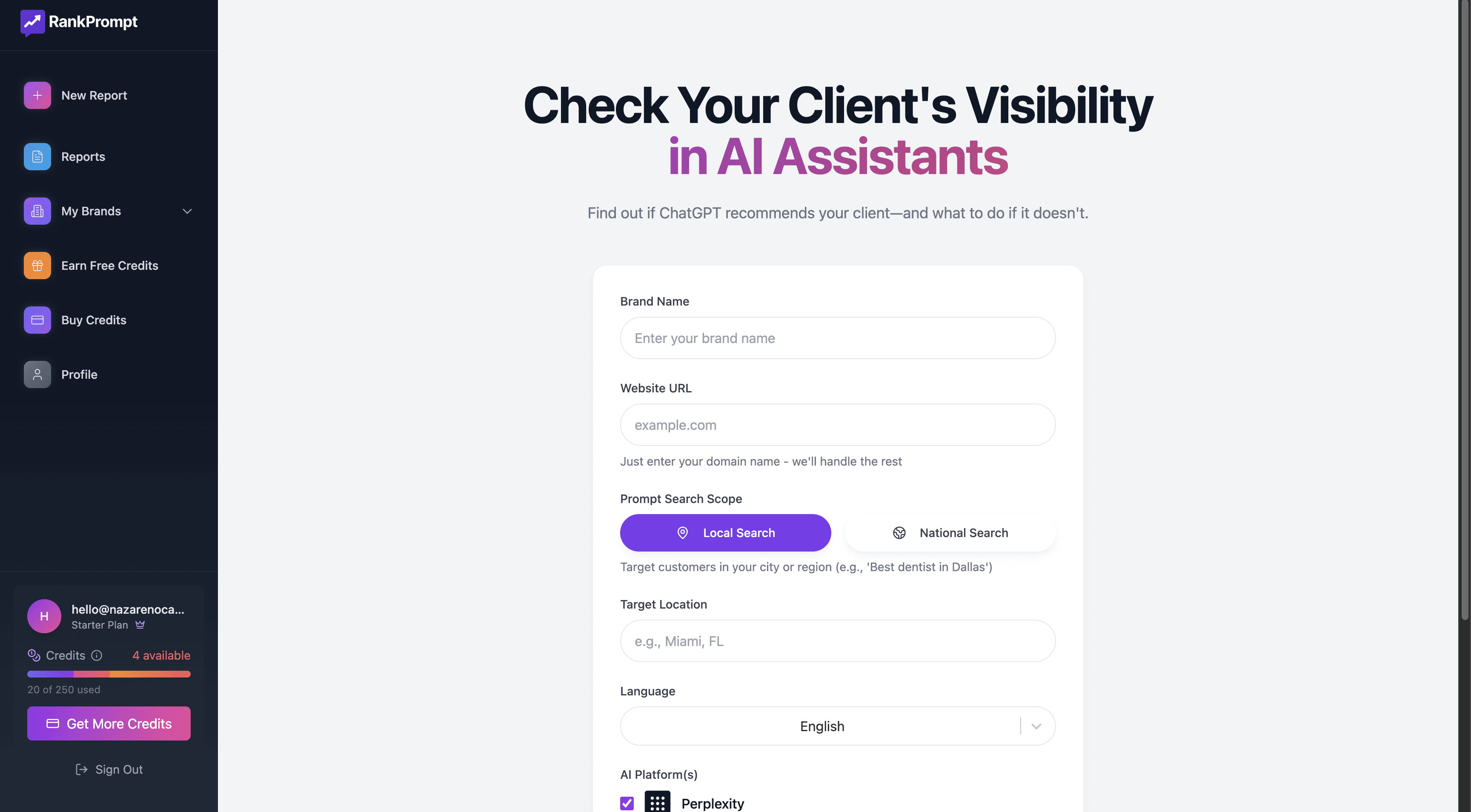
 When creating a manual report, you control:
 AI Platforms: ChatGPT, Perplexity, Google AI — or just one
Prompt Categories: Choose specific industries or themes
Number of Prompts: 10, 25, 50 — you decide
Languages / Locations: Analyze global, national, or local AI visibility
Reports help you isolate specific trends:
Focus on one platform, one country, or one type of user intent
Compare variations to uncover gaps and opportunities
Everything in RankPrompt starts with reports — they power your analysis, trends, and strategies.
Once you create your first report, you’ll be able to navigate and filter your results, see your competitors, sources, and citations, missed prompts vs ranked prompts, and an AI Platform Matrix.
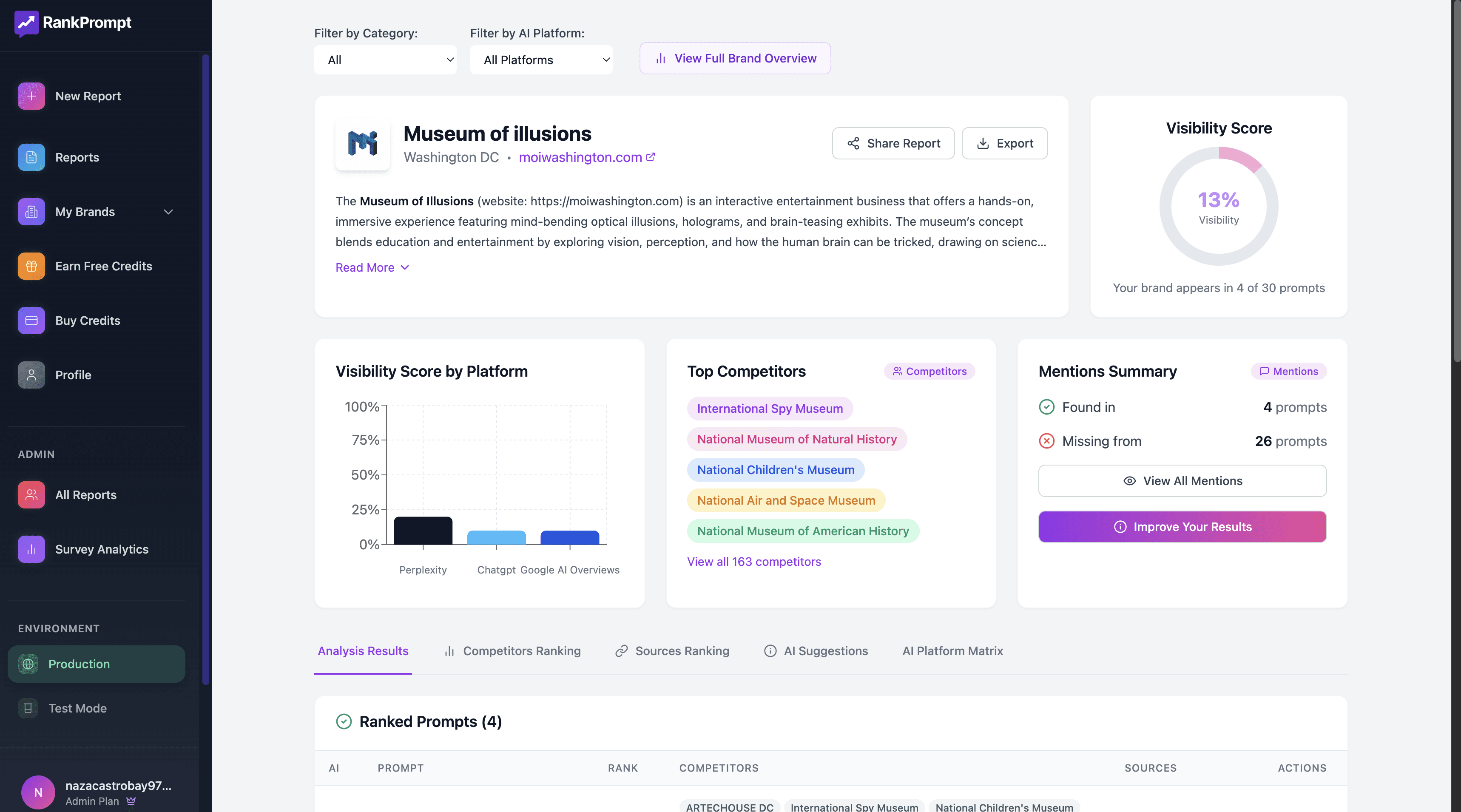
 To understand more about how reports work, visit Reports in RankPrompt.
 Create Your First Brand (Your Hub for Tracking)
After you initiate your first report, you’ll be prompted to create a Brand Profile.
Then you can view all your brands by going to: https://app.rankprompt.com/brands
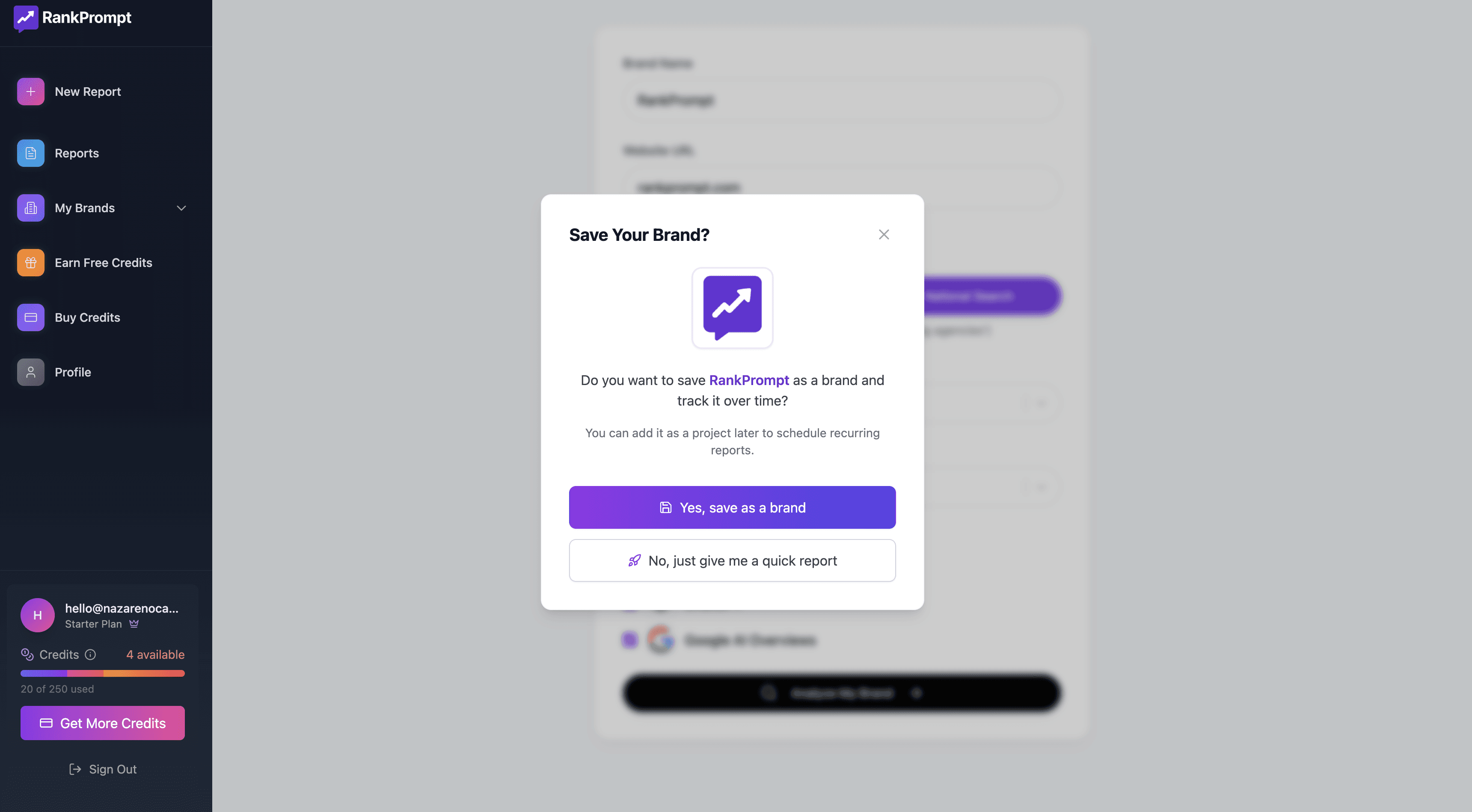
What a Brand does:
Stores all reports related to that brand in one place
Organizes visibility data by prompts, platforms, categories, languages
Helps you easily filter and analyze trends over time
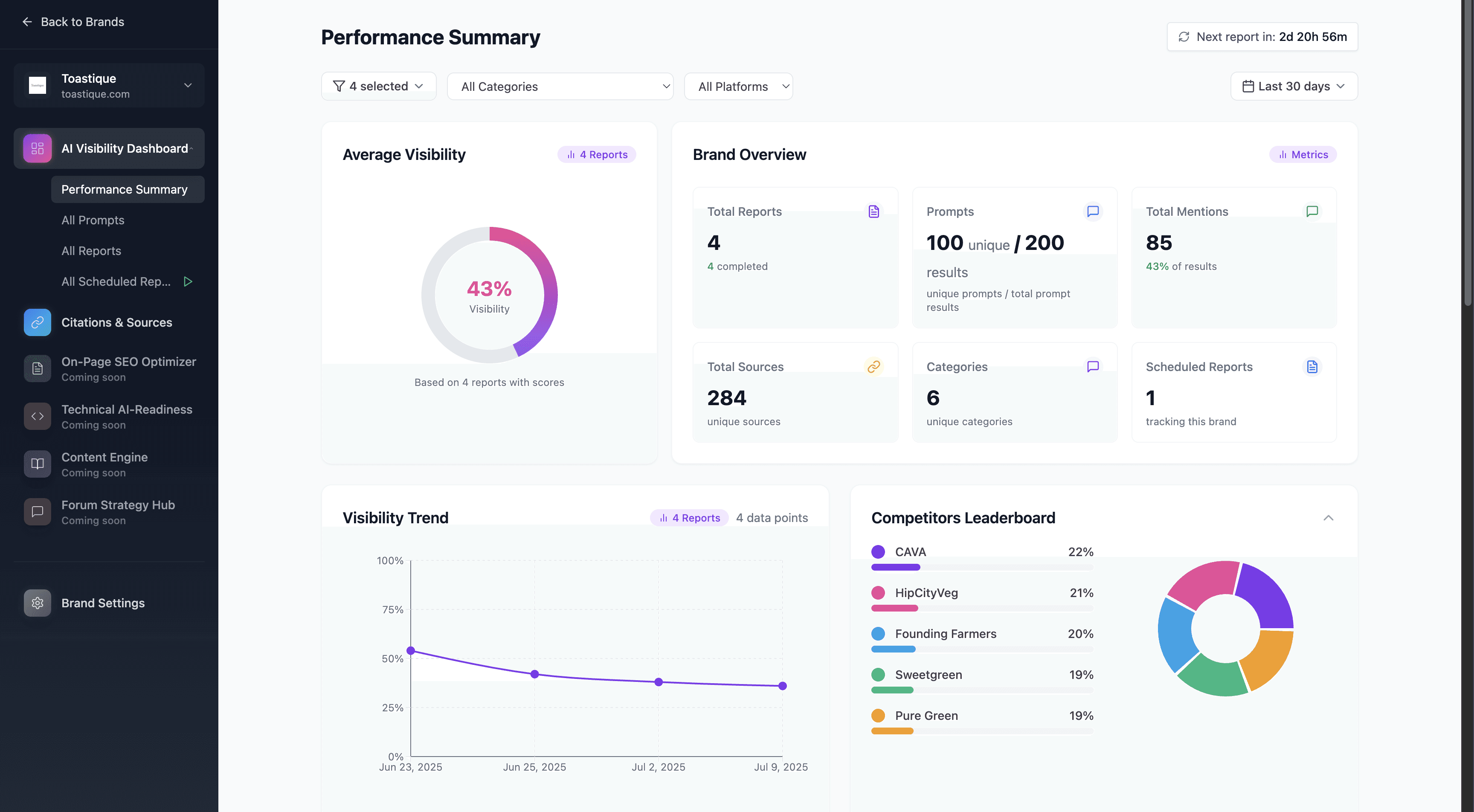
Your Brand Dashboard is where you’ll:
See all historical reports
Access insights in one centralized view
Track trends by platform, category, and more
Instead of scattered reports, Brands give you clarity and structure.
You see everything tied to one brand in one place.
To understand more about how reports work, visit Brands in Rank Prompt.
 Schedule Reports (Automate Tracking Over Time)
Inside your Brand Dashboard, you can easily create Scheduled Reports:
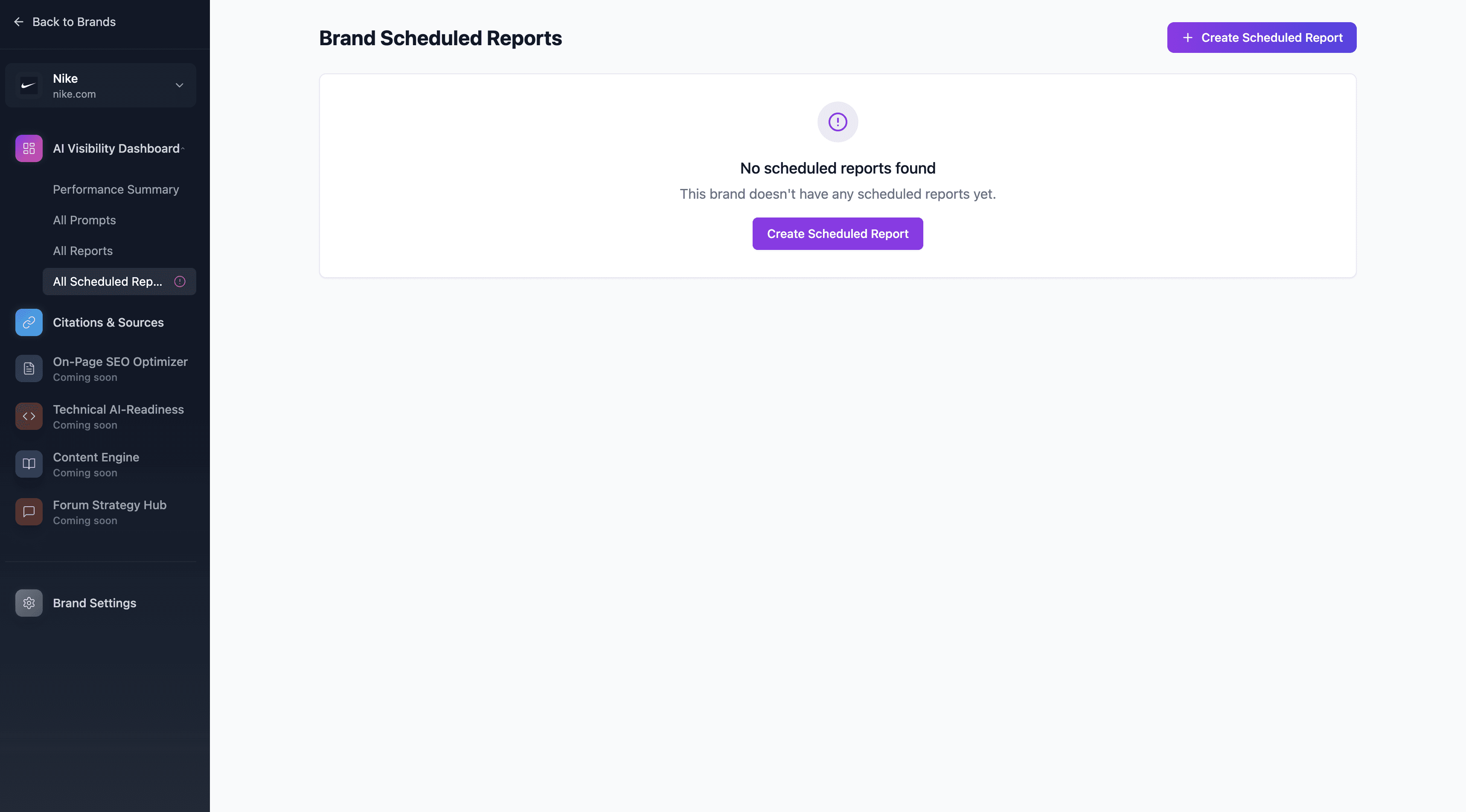
Re-run the exact same prompts, categories, and platforms
Choose weekly or monthly schedules
Get consistent data to monitor changes and trends
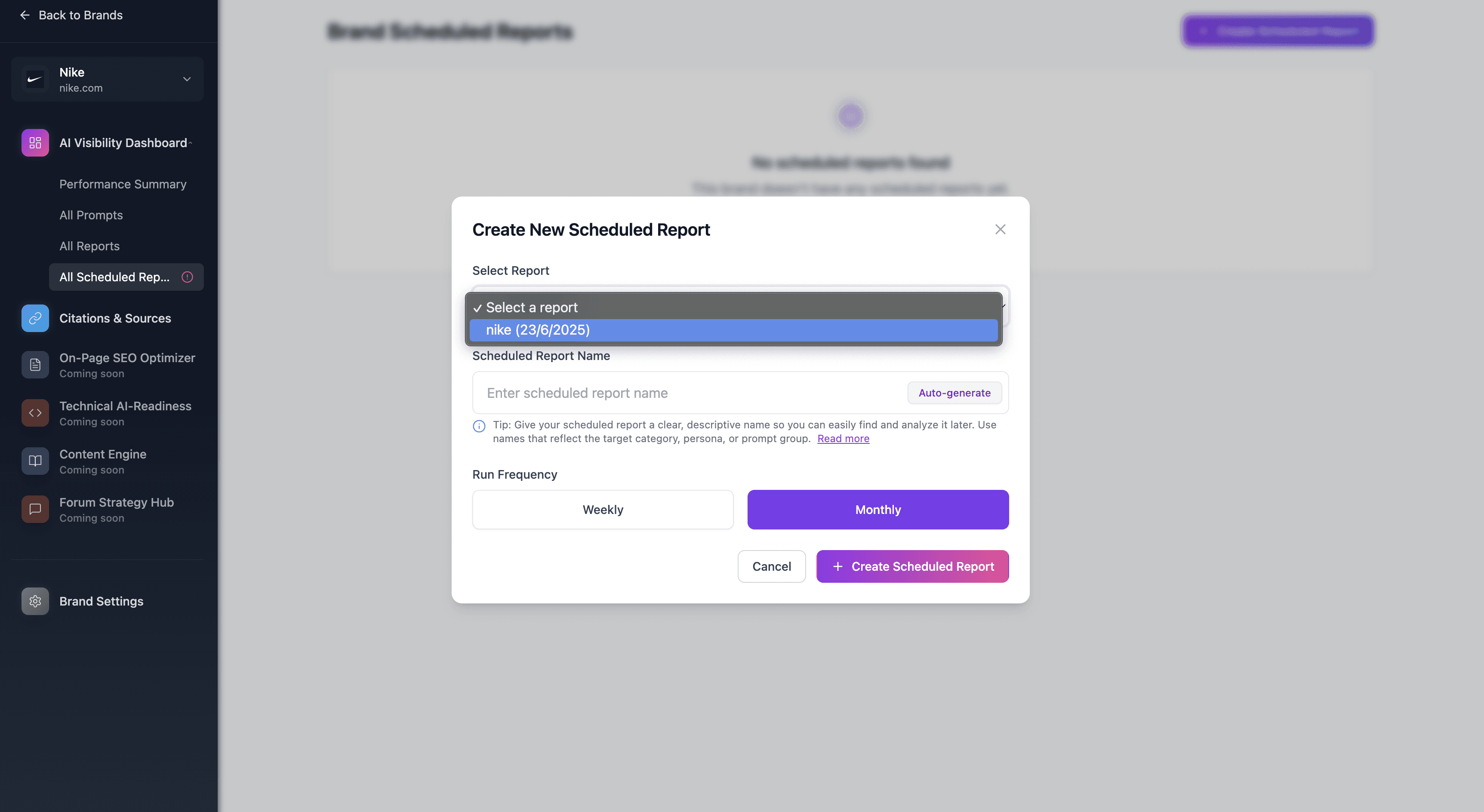
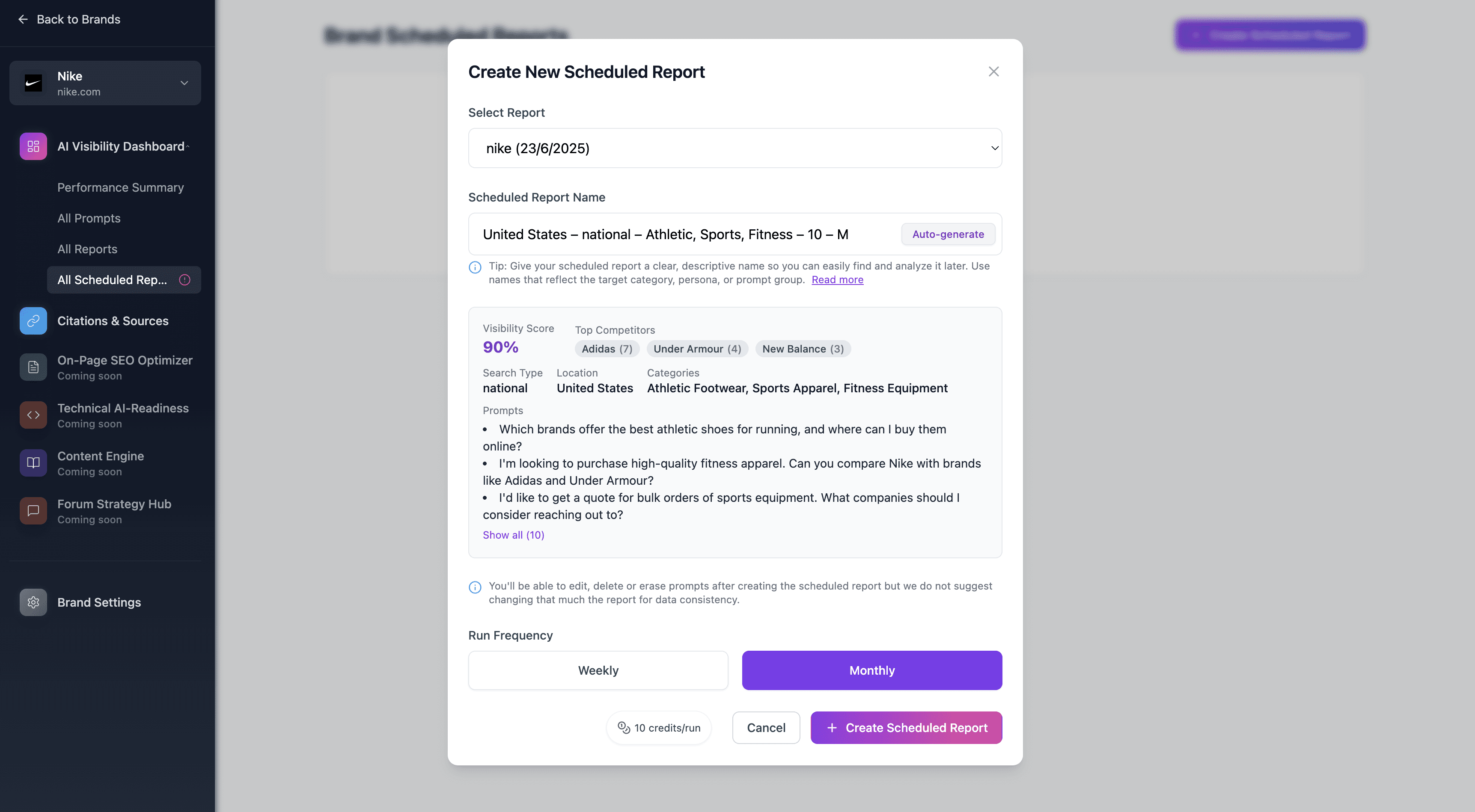
No need to rebuild reports from scratch — automate it once, and focus on analysis.
To understand more about how reports work, visit Scheduled Reports in Rank Prompt.
 Analyze Your Reports (Turn Data Into Insights)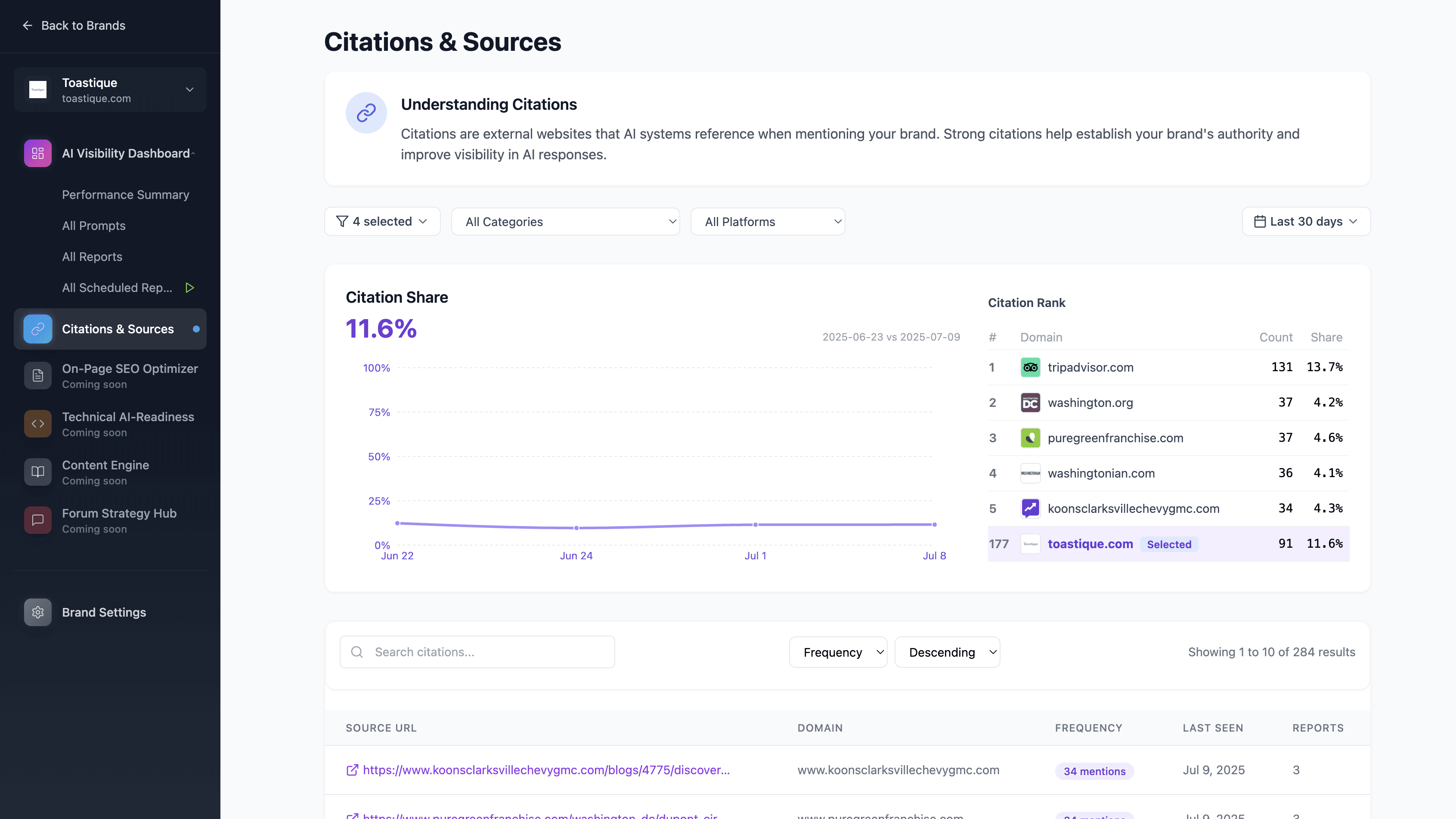
Reports show you everything you need:
Brand visibility (Yes/No)
 Rank position (1st, 2nd, etc.)
 Competitor mentions
 Citations used by AI platforms
 Full AI-generated answers
Inside your Brand Dashboard, you can:
Filter reports by platform, prompt category, language, or location
Compare trends over time
Export for internal reporting
 Improve Your Visibility (From Insight to Action)
Your reports aren’t just data — they’re a strategy playbook.
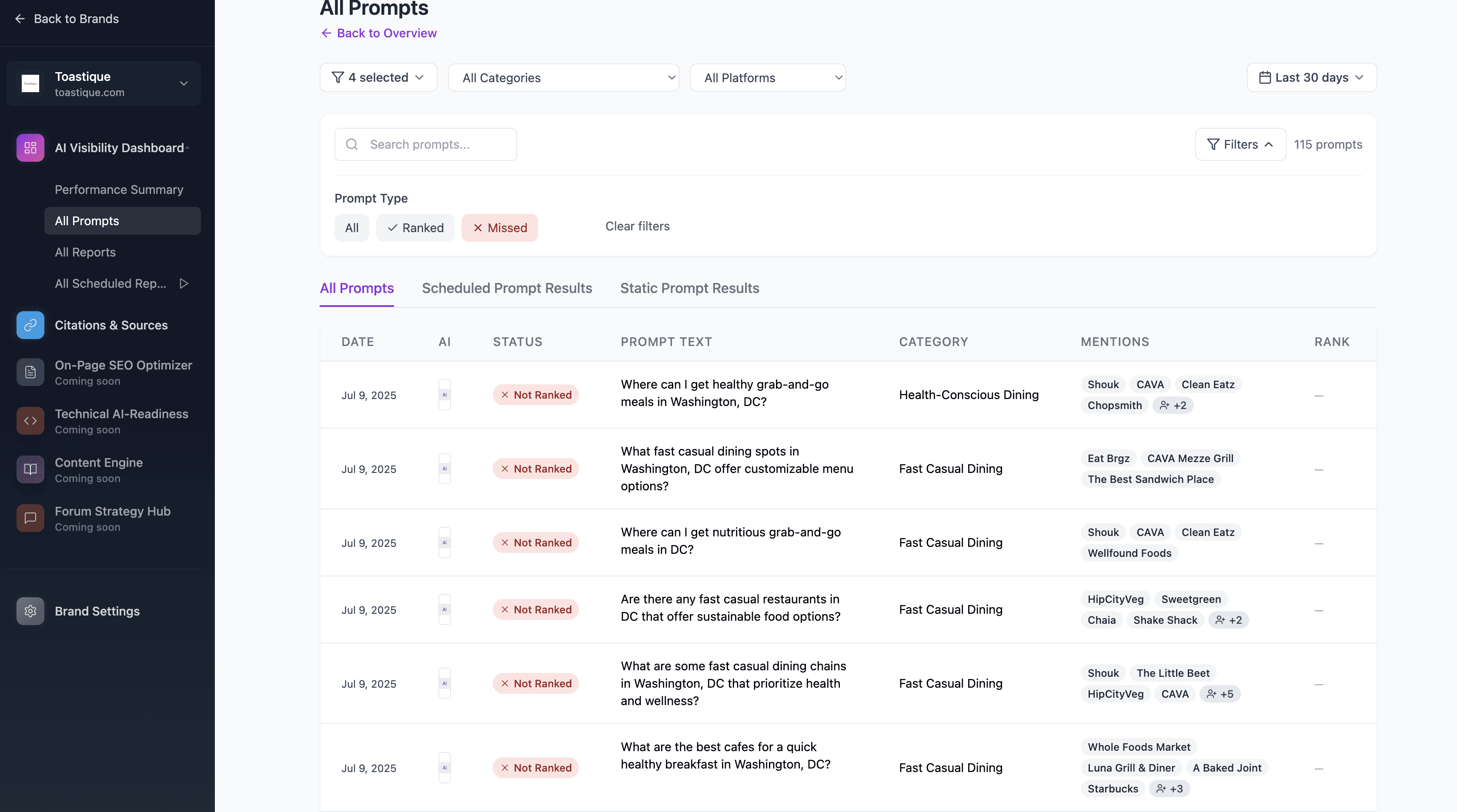
 How to leverage insights:
Missed Prompts: Create content to fill gaps where your brand isn’t appearing.
Citations: Pursue backlinks and PR with sites AI is already referencing.
Competitor Trends: Identify who’s winning and replicate their successful strategies.
Over time, this strengthens your visibility inside AI-generated answers.
For more info on how to take action read this: How to Turn Report Data Into Actionable Insights.
 Quick Summary: How It All Connects
| Core Tool Purpose |
Reports | Analyze visibility across prompts and AI platforms |
Brands | Store, organize, and track all reports + trends over time |
Schedules | Automate reports for ongoing, reliable data |
 Need More Help?
Check out these next steps:
Or contact us: [email protected]
