You can schedule it to run weekly or monthly, using the exact same prompts and setup.
This helps you monitor changes and trends without having to rebuild it each time.
Scheduled reports help you monitor progress, spot trends, and react faster as things change across platforms like ChatGPT, Perplexity, and Google AI Overviews.
 Step-by-Step: How to Schedule a Report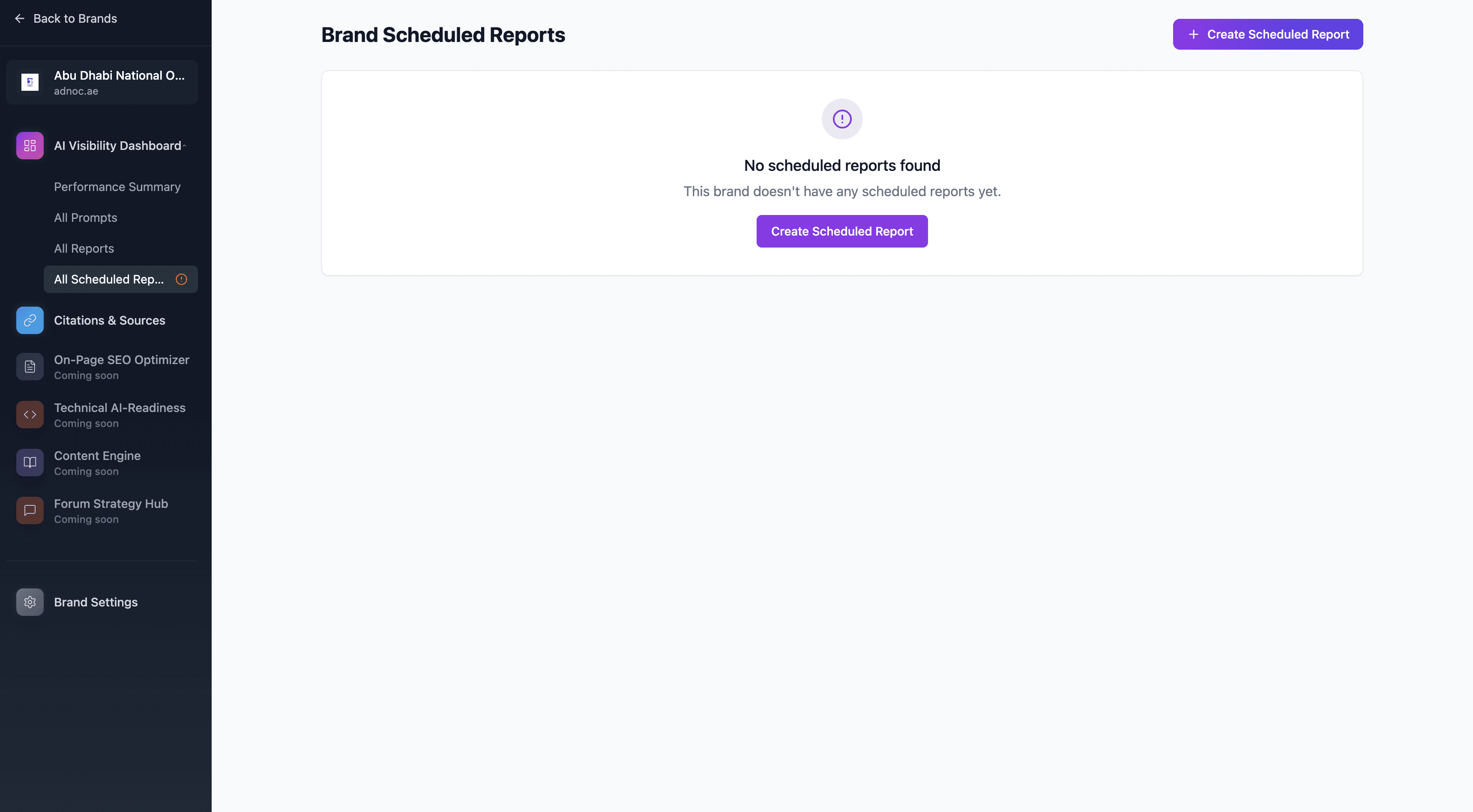
 Go to Your Brand
Navigate to:
Brands > Select the Brand you want to track
Each Brand acts as your central hub for all reports, scheduled reports, and trends.
 Go to “Scheduled Reports” Tab
Inside the selected Brand’s dashboard, click on the “Scheduled Reports” tab.
 Click “Create New Scheduled Report”
You’ll be prompted to select from your existing manual reports for this Brand.
Choose the report you want to automate.
Remember:
The Scheduled Report will reuse the same prompts, categories, platforms, and settings from the manual report you select.
 Set Your Frequency
Choose how often the report should run:
Weekly
Monthly
 Confirm and Save
Click Confirm / Save to activate the schedule.
From now on, RankPrompt will automatically run this report at the selected frequency, deducting credits based on the number of prompts.
 Important Notes:
You must have a Brand created before scheduling reports.
Scheduled reports live inside the Brand — this keeps your data structured and easy to analyze over time.
Each scheduled run uses the same number of credits as your manual report did.
When you schedule a report:
Rank Prompt automatically re-runs that report on a weekly or monthly basis.
It uses the exact same inputs you originally selected:
AI platforms
Prompt categories (or your custom prompts)
Locations / languages
Number of prompts
You don’t need to rebuild or reconfigure anything.
Credits are deducted each time the scheduled report runs, just like a manual report.
AI-generated answers change over time. Visibility is not static.
Scheduling reports helps you:
See if your visibility is improving or declining.
Track the impact of your SEO, PR, or content strategies.
Identify shifts in competitor performance.
Spot trends at a platform, category, or regional level.
Example:
You’re showing up in 30% of prompts today…
In 3 months, is it 50%? Or 10%? Scheduled reports tell you — without you lifting a finger.
 How to Create Multiple Scheduled Reports (And Why You Should)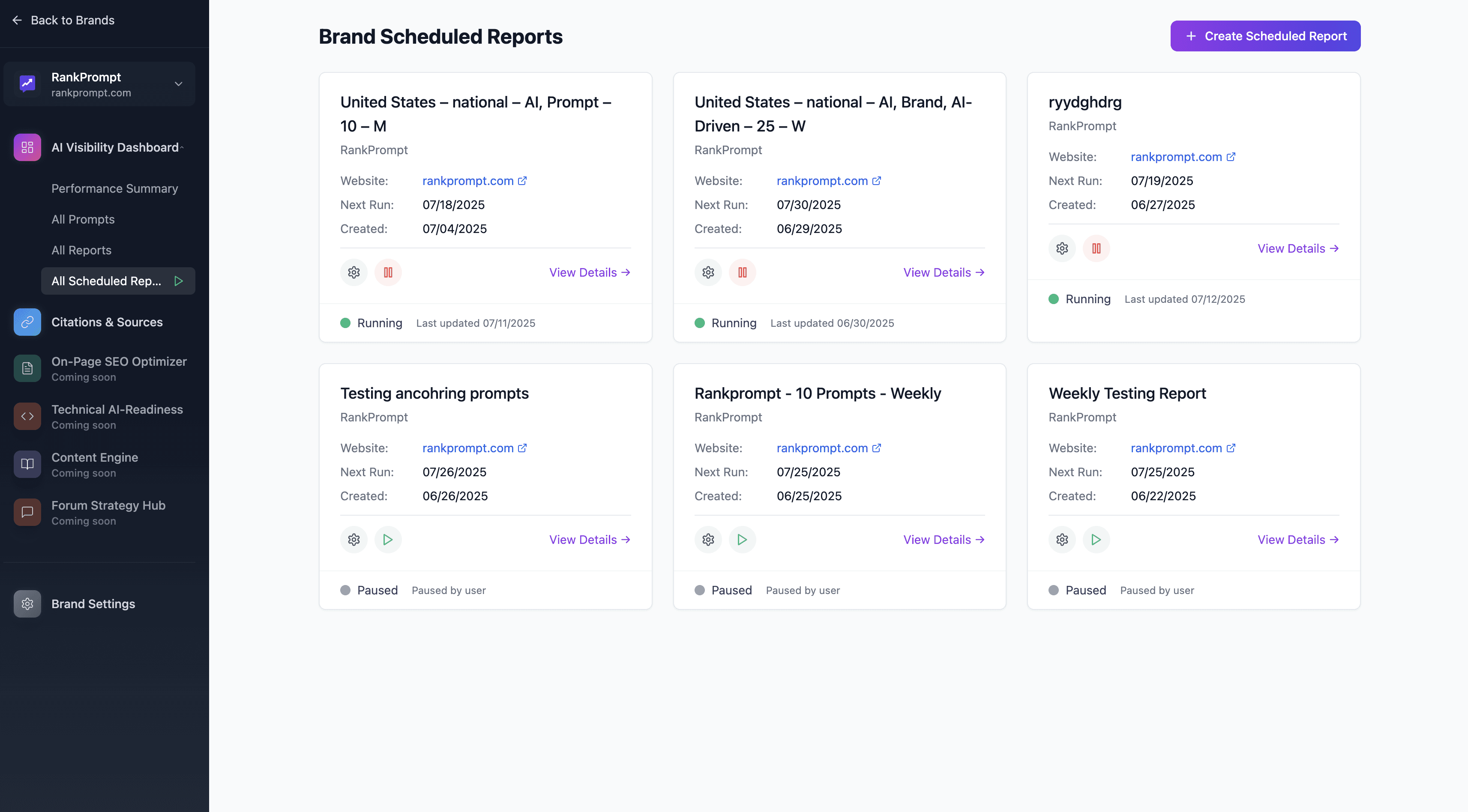
The real power comes when you create different reports for different objectives — then schedule each one separately.
Here’s how to think about it:
 Example Types of Scheduled Reports You Could Run:
|
|
| Report Focus Platforms Frequency Why Run It |
Broad Industry Visibility | ChatGPT, Perplexity, Google AI | Monthly | Track overall visibility in your market |
Localized Visibility (U.S.) | ChatGPT only | Weekly | Monitor regional AI results |
Spanish-Language Prompts (LATAM) | Perplexity | Monthly | Track performance in non-English markets |
Product-Specific Prompts | All platforms | Weekly | See changes tied to product marketing |
Competitor-Specific Category | ChatGPT only | Monthly | Monitor shifts in competitor visibility |
 What Makes Scheduled Reports Valuable Over Time?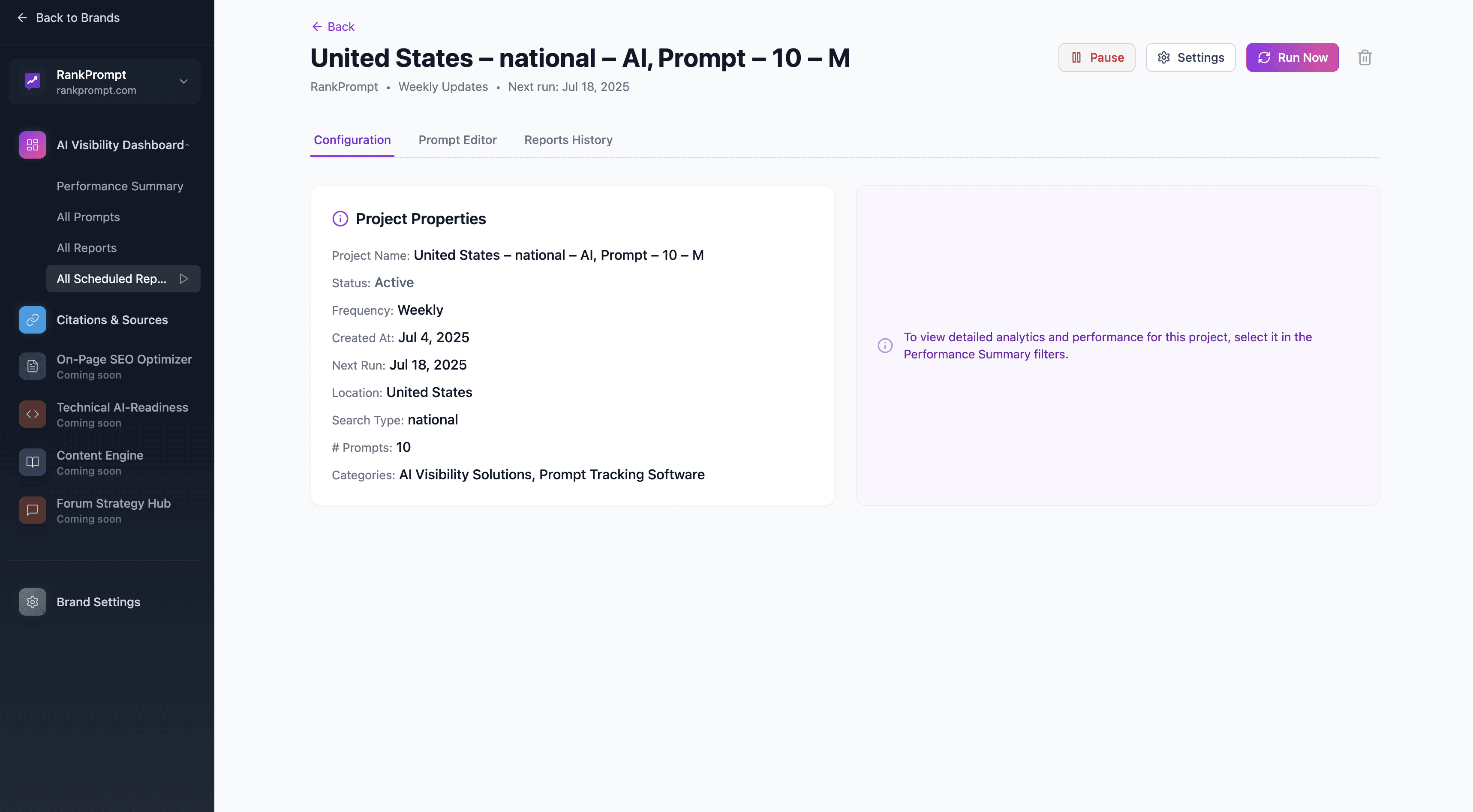
Clarity: You can isolate trends by platform, location, language, or topic.
Consistency: You collect clean, comparable data month-over-month or week-over-week.
Focus: Instead of rebuilding manual reports every time, you spend your time analyzing results and improving.
Strategic Flexibility: You can schedule different types of reports at different cadences depending on their purpose.
 Where Scheduled Reports Live (And How to Manage Them)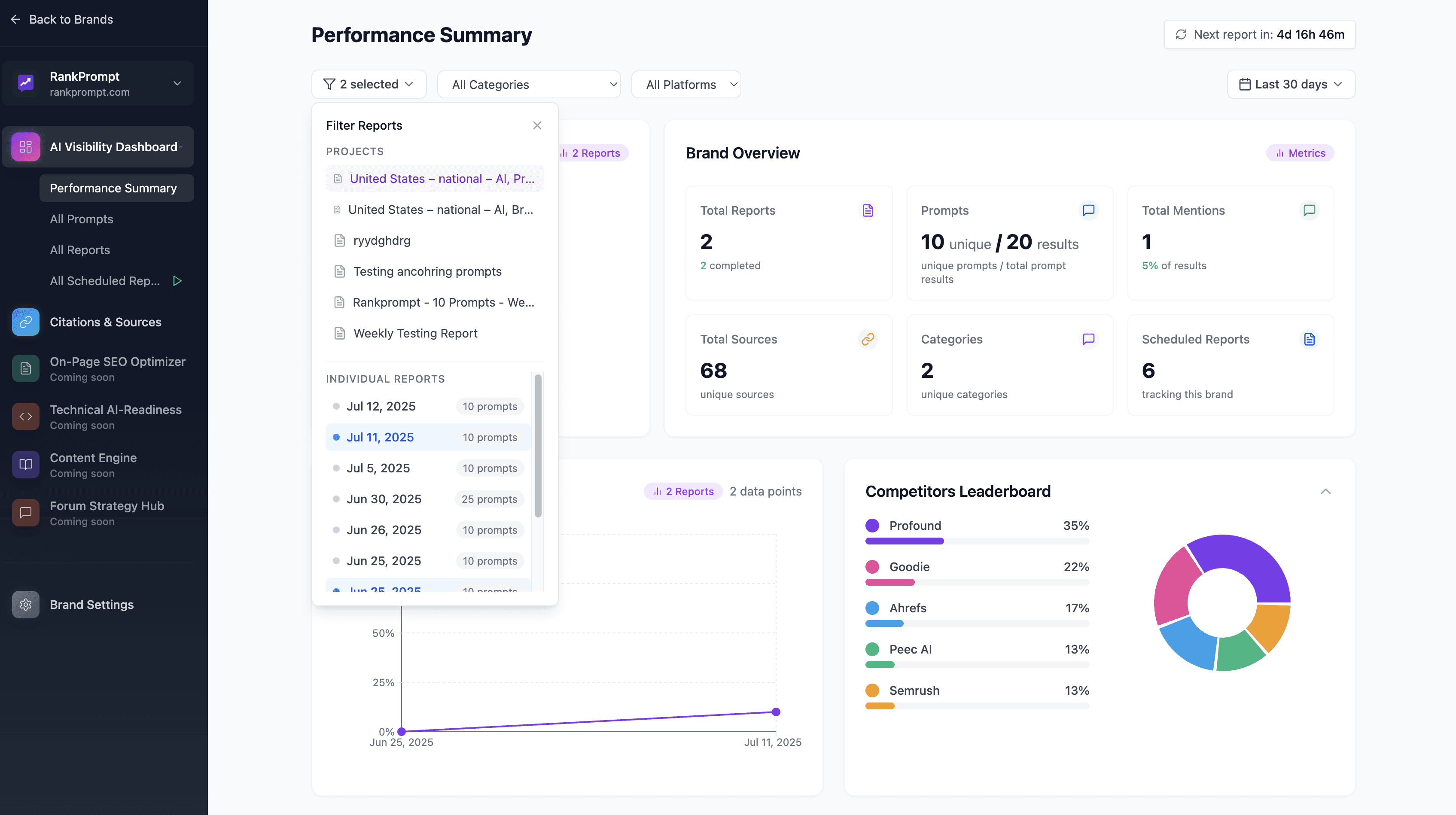
All scheduled reports are stored and managed within your Brand Dashboard.
You can view each scheduled report individually.
You can pause, adjust, or delete schedules anytime.
Each run generates a new report so you can clearly compare results over time.
 Credit Usage Reminder
| Action Credits Used |
Manual Report | 1 credit per prompt (one-time) |
Scheduled Report | 1 credit per prompt every time it runs |
Platforms do not impact credit use:
1 prompt = 1 credit regardless of how many platforms you analyze.
 Pro Tip: Use Scheduling to Build AI Visibility Over Time
Start with small reports (focused on key prompts).
Schedule broad industry reports less frequently (monthly).
Schedule focused, high-priority reports more frequently (weekly).
Review trends and adjust prompts as needed every quarter.
Need More Help?Check out these next steps:
Or contact us: [email protected]
